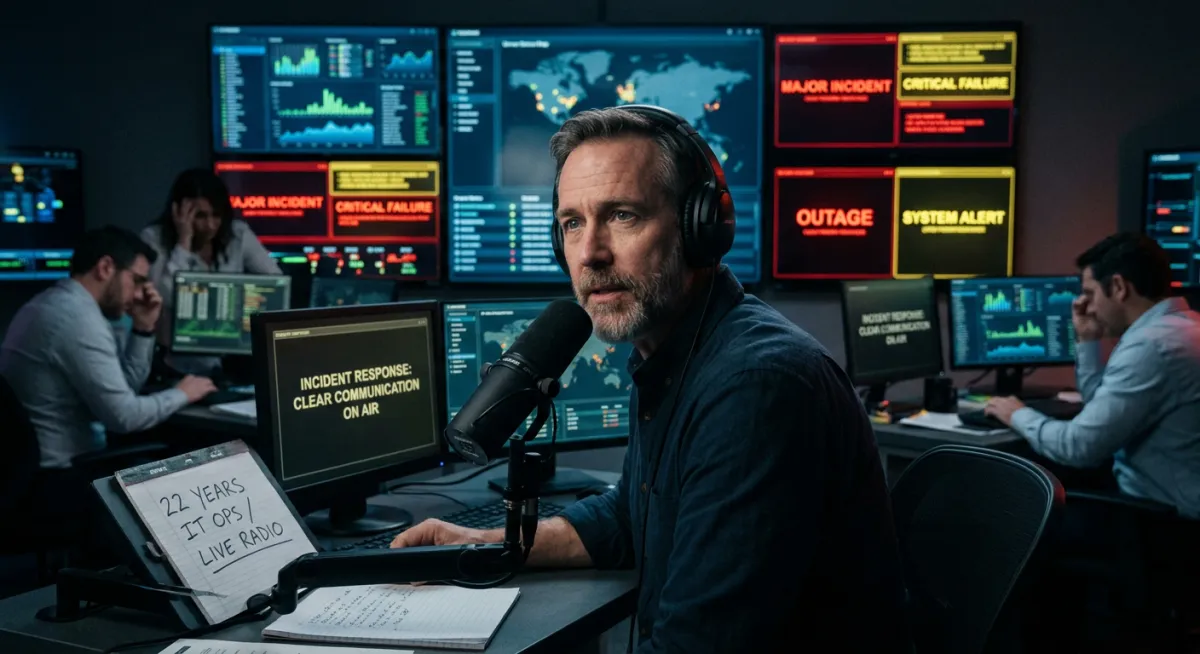
How to Communicate During an IT Crisis: Lessons From Live Broadcasting
What Live Radio Taught Me About Communicating During an IT Crisis
Before I spent 22 years in IT operations, I attended public relations training and shortly after worked in journalism and live radio broadcasting.
I presented a personal development show. I worked in a newsroom. I learned what it means to communicate clearly, calmly, and accurately when the situation is moving faster than your information, when the audience is anxious, and when there is no option to pause, gather your thoughts, and try again.
I didn't know it at the time, but that experience was the best possible training for incident communication. When I moved into IT operations and started taking part in major incidents, I kept noticing that the skills were identical. The context was different. The pressure was the same.
I also noticed something else. Something I want to be honest about before anything else in this article.
Most companies aren't struggling with their incident tools. They're struggling with what happens around the tools - the communication, the coordination, the human response under pressure. The monitoring stack fires the alert perfectly. Everything after that is where the damage happens.
That observation shapes everything I do. Before I talk about what to say during a crisis, I want to explain why I'm telling you this at all.
Why I Share This Freely
I'm not going to hold back the practical content in this article and ask you to pay for it. That's not how I operate.
My job - as I see it - is to be the most useful person in the room for organisations navigating IT incident management. Not just when they formally engage me, but before that. During the thinking. During the evaluation. During the moments when they're trying to work out what they actually need.
That means telling you things that are genuinely useful, even when they don't lead to a sale. It means telling you when you don't need me. It means helping you see your situation more clearly than you could see it before you found this article.
The radio background is part of that. It taught me to communicate in the service of the audience - not in the service of my own position. That principle transferred directly to IT operations. And it shapes how I work with every organisation I engage with. I am an advocate for my clients, sharing their bad and celebrating good moments.
What Live Broadcasting Teaches You About Crisis Communication
When you're on air during a breaking story, you are doing something very specific. You are communicating to an audience that is anxious and looking to you for orientation - not for complete information, because complete information doesn't exist yet, but for a sense that someone is across it, that things are being handled, that they will be kept informed.
You learn very quickly that silence is its own message. Dead air on the radio is catastrophic - not because it means nothing is happening, but because the audience immediately fills the silence with their own anxiety. Whatever they imagine is almost always worse than the incomplete reality you could have given them.
You also learn that precision matters more than comprehensiveness. A short, clear, accurate update is always more useful than a long, hedged, technically complete one. The audience doesn't need everything. They need the right things, in the right order, at the right time.
And you learn - this one took me longer - that your own composure is part of the communication. If you sound panicked, your audience becomes more panicked. If you sound calm and structured, even while delivering difficult information, the audience's anxiety decreases. Composure is not dishonesty. It is leadership.
Why IT Crisis Communication Requires the Same Skills
Fast forward to a major IT incident. The systems are down. The engineering team is working on it. And somewhere else in the organisation - sometimes in the same building, sometimes on a phone call, sometimes in an inbox - a different audience is waiting.
Clients who don't know what's happening with the service they depend on. A CEO who needs to know what to tell the board. A customer service team is fielding calls with no information to give. A communications or incident manager who needs something to put on the status page.
All of them are experiencing the same thing that a radio audience experiences during dead air. The silence is filled with their own anxiety. And the longer it goes on, the harder it becomes to recover the relationship.
The skills needed to address that situation - writing a clear, calm update with incomplete information, under time pressure, for an audience that is already anxious - are structurally identical to what I was trained to do in broadcasting. Communicate what you know. Be honest about what you don't. Give a time for the next update. Sounds like someone who has this under control, even while working to get it more under control.
Here is the thing that most organisations miss: those skills are independent of which incident management tool you're using. PagerDuty fires the alert. Opsgenie routes the escalation. AlertOps tracks the timeline. None of them writes the client communication. None of them briefs the CEO. None of them decides what composure sounds like at 2 am on a Sunday.
The tools are part of the picture. They are not the picture.
The Most Common IT Communication Mistakes During Incidents
In my experience, when IT teams write stakeholder updates during a live incident, they make a few consistent mistakes.
Writing for themselves rather than for the reader. A technically accurate update that requires background knowledge to interpret is not useful to a CEO or a client. It is useful to another engineer. The audience determines the language, always.
Waiting too long. The instinct - which I understand completely - is to wait until you have something definitive to say. A resolution time, a root cause, a concrete next step. But waiting until you have certainty means the audience has been silent for an hour. A brief, honest acknowledgement at the fifteen-minute mark - we are aware of the issue, we are working on it, we will update you in thirty minutes - is infinitely more valuable than a complete update at the ninety-minute mark.
Underestimating what composure communicates. An update written in a panicked, fragmented style - even if technically accurate - increases anxiety. An update written calmly, with clear structure and a confident next step, reduces it. The words carry your state of mind into the room of the person reading them.
Assuming the tool handles the communication. This is the mistake I want to name directly. Incident management tools are excellent at what they do - alerting, escalating, tracking, correlating. They do not manage human communication. They do not decide what to say to the client whose transaction just failed. They do not write the board briefing. If you've invested in a sophisticated tool stack and not in the communication process around it, you have half of what you need.
How to Build IT Crisis Communication Skills Before the Pressure Arrives
I'm not suggesting that every Head of IT needs a background in broadcasting. What I am suggesting is that the communication skills required during a major incident are specific, learnable, and rarely trained for.
Most technical leaders I've worked with were promoted for their engineering ability. Nobody ever sat them down and explained how to write a client update during a P1 in a way that keeps the relationship intact. Nobody ever coached them on how to brief a CEO under pressure in a way that conveys control rather than chaos. Nobody ever practised what to say in the first five minutes of an incident before they have real information.
Those skills can be built. They can be practised before the pressure arrives. And in my experience, the teams that have built them handle incidents in a fundamentally different way - not just in terms of communication, but in terms of the overall quality of the response. Calm, structured communication from the centre creates calm, structured behaviour in the teams around it.
That's not a theory. It's something I watched happen in broadcasting. And it's something I've worked to build into every incident response process I've been part of since.
One more thing worth saying: you can start building this yourself, right now, without engaging anyone external. The framework is in this series of articles. If you build it yourself and it gets you 80% of the way there, that is a good outcome. If you hit the ceiling of what you can build internally, I'll be here - and you'll know exactly what you need.
Frequently Asked Questions
What should you say to clients during an IT incident?
Within 15 minutes of declaring a major incident, send a brief acknowledgement: confirm the issue is known, that the team is working on it, and give a time for the next update. Do not wait for a root cause or resolution time before communicating. Silence is more damaging than an honest "we don't know yet."
How do you communicate with non-technical stakeholders during an IT outage?
Use plain language - no technical jargon. Focus on business impact rather than technical detail. State what is affected, what is being done, and when the next update will come. Avoid speculation. Keep updates short and structured.
Can incident management tools handle stakeholder communication automatically?
Incident management tools - PagerDuty, Opsgenie, AlertOps and others - handle alerting, escalation routing, and timeline tracking well. They do not replace human judgment in deciding what to say to clients, how to brief the board, or how to manage the relationship through an incident. The tool manages the signal. The human process manages the response.
What is a stakeholder communication plan for IT incidents?
A stakeholder communication plan defines who receives updates during an incident, at what intervals, in what format, and who is responsible for sending them. It should be created before incidents happen and include pre-written templates for the first acknowledgement, mid-incident update, and resolution message.
How do you brief a CEO during a major IT incident?
Keep the CEO briefing to three minutes. Cover: when the incident started, what was affected, what the technical team has identified and is doing, the current resolution estimate, and what has been communicated to clients. Brief them at regular intervals -every 30 minutes for active P1 - rather than waiting until you have complete information.